Author: Jan De Jager

  • NeoVim vs Cursor: The Editor Fight Between Keyboard Asceticism and Actually Shipping Things

    NeoVim vs Cursor: The Editor Fight Between Keyboard Asceticism and Actually Shipping Things

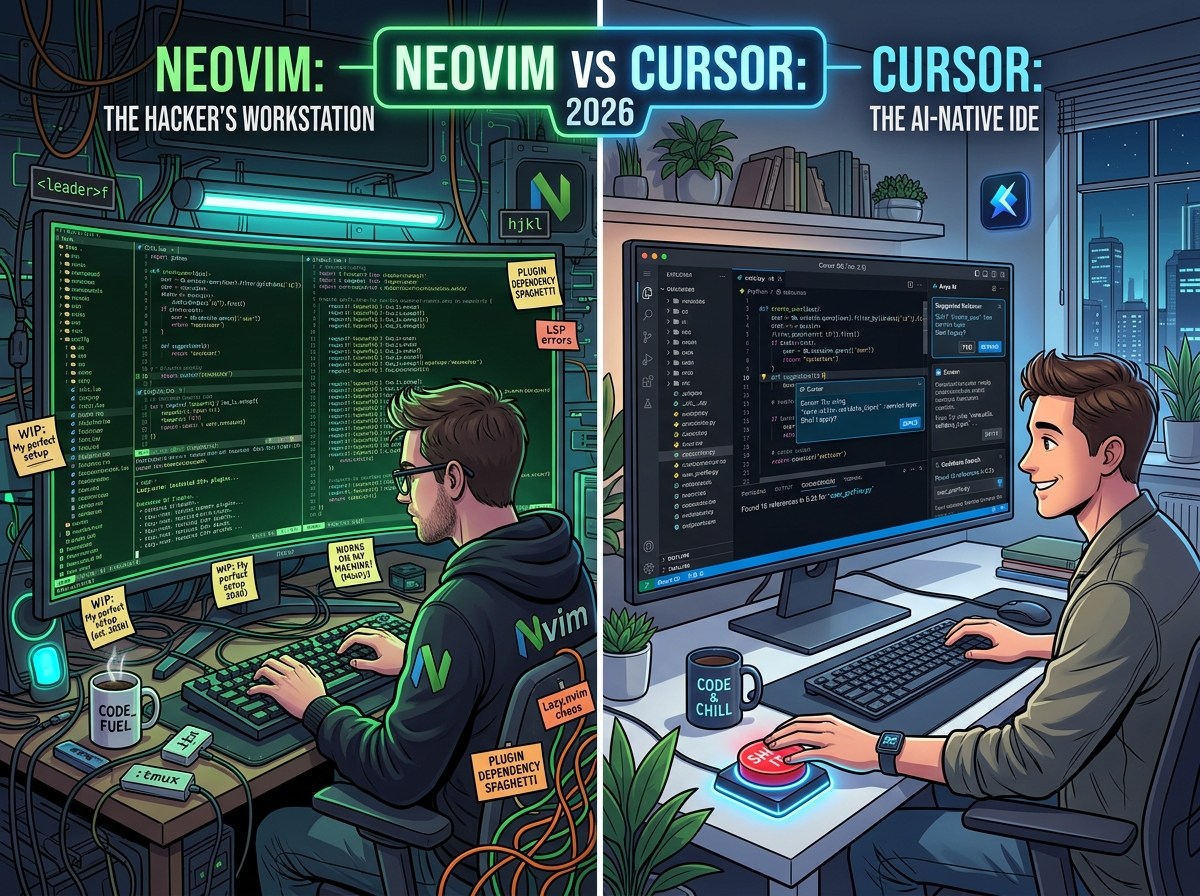
    If you hang around programmers long enough, you will eventually discover that text editors are not tools so much as belief systems. NeoVim users tend to speak about their setup the way medieval scholars discussed illuminated manuscripts: with reverence, footnotes, and the occasional warning that true power only comes after suffering. Cursor users, meanwhile, tend to sound like people who have seen the future and are mildly annoyed everyone else is still hand-compiling their own sense of identity.

    In 2026, the NeoVim vs Cursor debate is really a debate about what kind of pain you consider noble.

    NeoVim is brilliant. It is fast, deeply customizable, keyboard-centric, and capable of becoming almost anything you want. If you enjoy building your own environment, tuning workflows down to the keystroke, and shaving milliseconds off your editing loop like a Formula 1 mechanic with a Lua dependency habit, NeoVim is still one of the most satisfying tools in programming. A well-configured NeoVim setup can feel less like an editor and more like telepathy with syntax highlighting.

    But there is an important catch, and it is a very programmer catch: NeoVim often turns “editing code” into “maintaining the machine that edits the code.” You open your editor to write software, and half an hour later you are debugging a plugin conflict, reading issue threads, and asking yourself whether your completion source should lazy-load on InsertEnter. At some point, the editor becomes your side project, which is fun right up until you remember you already had a side project, and it was the thing paying your rent.

    Cursor, by contrast, is what happens when an IDE looks at all that ritual and says, very politely, “What if we just helped you finish the work?”

    That is the strongest case for Cursor, and in 2026 it is a very strong case. Cursor is biased toward output. It assumes that modern programming is no longer just typing text into a file with unusual confidence. It assumes you are reading large codebases, jumping between files, making architectural changes, refactoring old logic, writing tests, explaining code to yourself, and increasingly collaborating with AI as a normal part of the workflow rather than a weird sidecar. Cursor is built around that reality.

    This is where the NeoVim purist sometimes has a rough time. NeoVim is superb at editing. Cursor is better at development.

    That distinction matters. Editing is the act of changing text. Development is the act of understanding systems, making decisions, and shipping results. Cursor’s real advantage is not that it can autocomplete faster or put a chatbot next to your file. It is that it treats the whole codebase as the unit of work. It helps you reason across files, ask questions in context, generate or revise code with awareness of surrounding structure, and move from “I know roughly what I want” to “this now exists and probably compiles” with much less friction.

    NeoVim can absolutely be extended in that direction, of course. That is the standard response, and technically it is true in the way Linux users are technically correct when they say desktop audio can be made pleasant with enough dedication. But “can be extended” is not the same as “is natively better.” Much of the NeoVim argument relies on potential energy. Cursor cashes that out into kinetic energy. It starts closer to useful.

    And that is the uncomfortable truth in this comparison: Cursor is not winning because NeoVim is bad. Cursor is winning because most programmers are not actually trying to become elite editor monks. They are trying to solve tickets, build products, understand legacy code, survive meetings, and go home with enough remaining willpower to heat food. For that life, convenience is not moral weakness. It is good tooling.

    There is also a cultural reason Cursor has the advantage. NeoVim appeals to the part of programmers that loves mastery. Cursor appeals to the part that loves leverage. Mastery is admirable. Leverage pays astonishing dividends. If a tool helps you navigate complexity faster, reduce boilerplate, explain unfamiliar code, and stay in flow longer, it is not “cheating.” It is the whole point of software tools in the first place. No one wins a medal for manually suffering through things a good system could handle.

    That said, bias toward Cursor should not become propaganda. NeoVim still has real advantages. It is lighter, sharper, more composable, and often more pleasant for people who think in motions rather than panels. It can feel incredibly direct in a way large IDEs rarely do. It also has a kind of durability: once you really know NeoVim, that knowledge sticks. You are not just using a product; you are acquiring a portable editing language. Cursor, by comparison, is better as a work platform than as a philosophical lifestyle.

    But if the actual question is, “Which one should most developers use in 2026?” the answer is probably Cursor.

    Not because it is purer. Not because it is more hardcore. Quite the opposite. Because it is better aligned with what programming now is: high-context, fast-moving, collaborative, AI-assisted, and constantly shaped by the need to understand more code than any one person wants to read line by line. Cursor meets that moment more naturally than NeoVim does.

    NeoVim remains an excellent editor for people who want control.

    Cursor is the better environment for people who want progress.

    And in the eternal conflict between beautifully tuned craftsmanship and simply getting the thing done, “getting the thing done” has a suspicious habit of winning in production.
  • Yu-Gi-Oh! for Programmers in 2026: Why the Game Feels Like Debugging a Distributed System with Dragons

    Yu-Gi-Oh! for Programmers in 2026: Why the Game Feels Like Debugging a Distributed System with Dragons

    If you’re a programmer looking at Yu-Gi-Oh! in 2026, the first thing to understand is this: the game is not really “a card game” in the cozy sense people mean when they say “card game.” It is closer to a real-time strategy engine built on 25 years of legacy code, weird edge cases, and surprisingly elegant optimization problems.

    Which is probably why programmers tend to click with it.

    At a distance, Yu-Gi-Oh! looks chaotic. Someone normal sees a player summon five monsters, search three cards, negate two effects, banish something face-down, and then explain a chain interaction using wording that sounds like a database migration written by a poet under duress. A programmer, meanwhile, sees a system. There are resources, dependencies, triggers, failure states, recursion risks, timing windows, and a deeply held belief that if you read the text carefully enough, the behavior is technically correct.

    That last part should already feel like home.

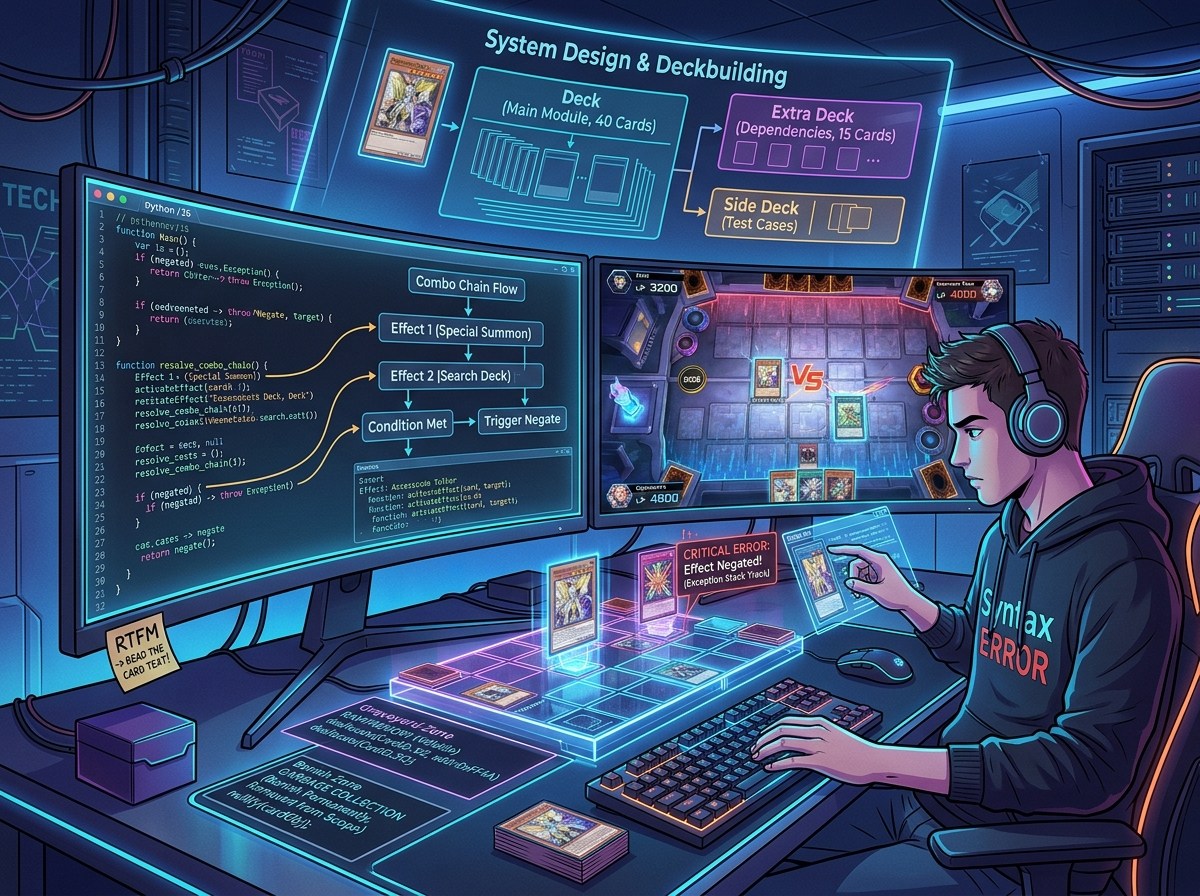
    Modern Yu-Gi-Oh! rewards the same instincts that make someone decent at programming. Deckbuilding is architecture. You are not just choosing “good cards”; you are designing a system that should produce reliable outputs under hostile conditions. Your starters are entry points. Your extenders are fallback methods. Your garnets are that one embarrassing hardcoded dependency that works beautifully until it appears in your opening hand and ruins your day. A strong deck is not just powerful. It is consistent, resilient, and capable of recovering when reality refuses to match the happy path.

    Playing the game feels even more like coding than building the deck. Every turn is a sequence of operations where ordering matters, hidden information matters, and one premature commit can destroy the whole program. A combo line is basically a function: given this hand and this board state, produce an end board. Good players don’t just memorize the line; they understand the logic behind it. If the opponent interrupts at step three, can you reroute? Can you preserve enough material for a smaller but still acceptable output? Can you identify when you are overextending into obvious interaction like a developer pushing untested code straight to production on a Friday afternoon?

    And yes, Yu-Gi-Oh! absolutely has the equivalent of runtime errors. They are called “misplays,” and unlike in software, you usually discover them immediately and in public.

    What makes Yu-Gi-Oh! especially appealing to programmers is that strategy in this game is less about vague instinct and more about constrained problem-solving. You are constantly evaluating lines with incomplete information. What is the likely range of responses from your opponent? Which effect is the actual bottleneck? What resource matters most: cards in hand, bodies on board, graveyard setup, once-per-turn effects, or the normal summon? The best move is often not the flashiest one. It is the one that preserves optionality. In other words, the game rewards developers who already know that the cleanest solution is often better than the cleverest one.

    Then there’s the metagame, which is where the “programmers should try Yu-Gi-Oh!” argument becomes even stronger. Learning Yu-Gi-Oh! in 2026 is not just learning the rules. It is learning the environment. A deck does not exist in isolation any more than an application exists in a vacuum. It exists in production, where other systems are trying to break it. You need to know what people are playing, what interaction is common, what choke points matter, and which tech choices are actually useful instead of merely cute. This is less “I brought my favorite cards” and more “I deployed against the current ecosystem.”

    That may sound intimidating, but it is also why the game stays interesting. There is always another optimization. You tweak ratios, alter your side deck, test different hand traps, revise your sequencing, and discover that one card you dismissed three weeks ago is actually the missing patch note your list needed. Yu-Gi-Oh! scratches the same mental itch as performance tuning: the system already works, but you know it could work better.

    It also shares programming’s occasionally absurd relationship with documentation. In Yu-Gi-Oh!, words matter with almost comic precision. “If” and “when” matter. “Then” matters. Targeting matters. Sending something to the graveyard is not destroying it, which sounds ridiculous until you realize programmers also live in a world where nullundefined, and false are somehow different species of pain. The rules text is not flavor. It is the spec. Ignore that at your peril.

    For programmers getting into the game in 2026, the healthiest mindset is not “I need to know every card.” That way lies madness. The better mindset is “I need to recognize patterns.” Learn what starters do. Learn what extenders do. Learn what interruption looks like. Learn the common board-breaking tools. Learn where decks bottleneck. Once you see the abstractions, the card pool becomes much less terrifying. You stop trying to memorize the whole internet and start reading game states like systems.

    And perhaps that is the funniest reason Yu-Gi-Oh! feels so natural to programmers: both hobbies are fundamentally about creating order in an environment that resists it. You write code because you want a machine to behave predictably. You play Yu-Gi-Oh! because you want chaos to resolve in your favor, ideally after summoning a monster with a name that sounds like a failed open-source project and an eldritch satellite.

    So if you program and you have been curious about Yu-Gi-Oh!, 2026 is actually a great time to jump in, provided you accept one truth early: this game is not old-school playground nonsense where the strongest dragon wins. It is strategy, sequencing, probability, pattern recognition, and technical literacy wearing anime shoulder pads.

    Which, honestly, makes it one of the most programmer-friendly games around.

  • The Rise and Reassessment of MCP: What Comes Next?

    The Rise and Reassessment of MCP: What Comes Next?

    From tool catalogs to code generation and agentic teams

    In 2024, Anthropic introduced the Model Context Protocol (MCP), a standardized way for language models to describe and call tools using clear, documented interfaces. Before MCP, every project invented its own schema and conventions, which made tools hard to share and reason about.

    SUBSCRIBE WITH THIS OFFER

    See Anthropic’s MCP overview: https://www.anthropic.com/news/model-context-protocol

    A year on, MCP has seen impressive adoption and its share of growing pains. Many teams embraced MCP as a “gold standard” for tool calling -running demos where models read email, query databases, search files, and browse the web using well-described, interoperable tools. But like any early abstraction, MCP has trade-offs.

    Where MCP shines

    • Standardized tool definitions and documentation
    • Better ergonomics for tool builders and client developers
    • Ecosystem momentum and shared mental models

    Where MCP strains in practice

    • Context overhead: Tool descriptions, input/output schemas, and examples all consume tokens. At scale, this adds up. For example, if you ship 50 tools at ~250–400 tokens each, you may spend 12,500–20,000 tokens before you’ve even processed user content.
    • Tool selection ambiguity: Models can still mis-select tools or hallucinate parameters, leading to retries and cost/latency spikes.
    • Operational complexity: Versioning tool definitions, coordinating changes across services, and keeping descriptions in sync with behavior are nontrivial.

    An alternative: Cloudflare’s “Code Mode”

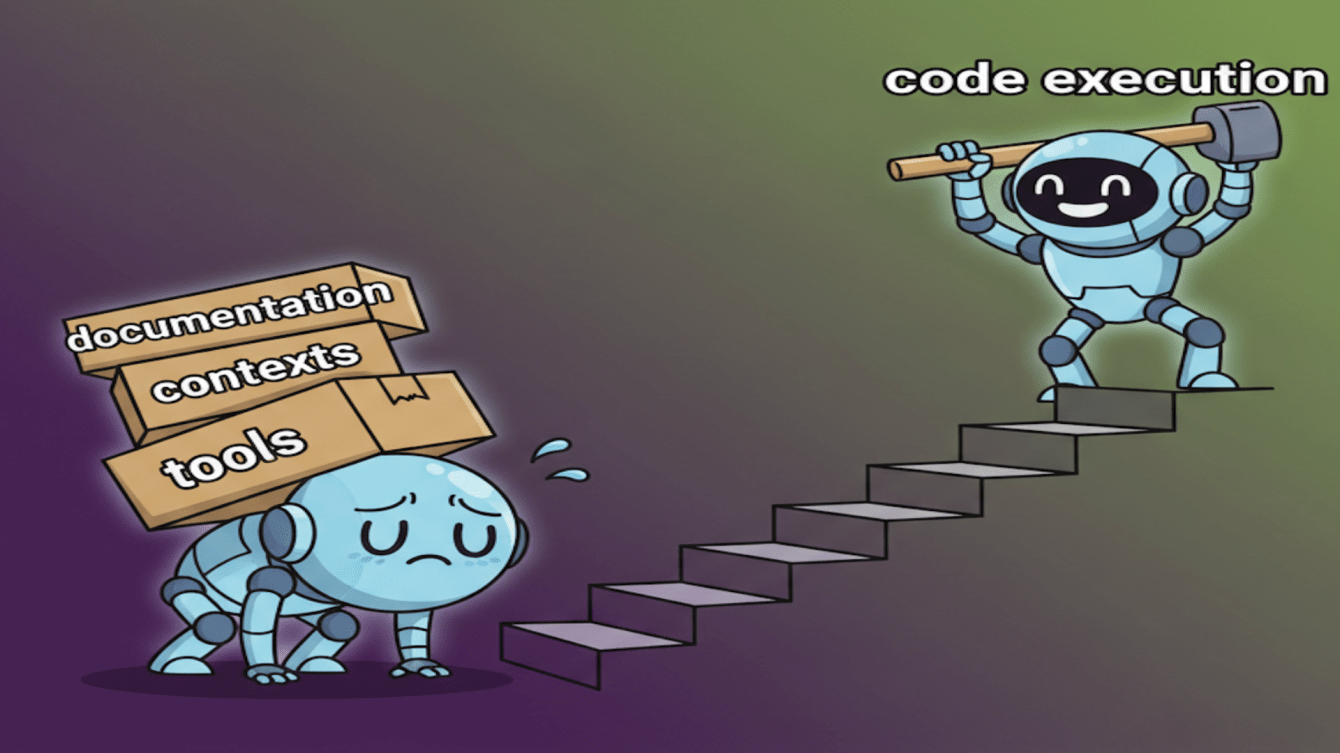
    Cloudflare proposes a different approach they call Code Mode: don’t inject a large catalog of tool definitions into the model. Instead, expose a typed TypeScript API and let the model write the small snippets of code needed to call that API. Execute the code server-side in a sandbox and return structured results.

    Cloudflare’s article: https://blog.cloudflare.com/code-mode/

    Why this resonates:

    • Lower token pressure: short, on-demand code replaces long, ever-present tool descriptions.
    • Mature security primitives: when interactions happen via APIs, we can leverage well-established auth, rate limits, and auditing instead of inventing new patterns inside the prompt.

    Security comes first: in Code Mode, run code in a tight sandbox, enforce allowlists and schema checks, use scoped credentials, set per-tenant quotas and rate limits, and log code and calls for audit.

    Another path: agent-to-agent orchestration

    See Googles A2A Framework: https://a2a-protocol.org/latest/

    There’s also a structural alternative: instead of one “everything model” carrying a huge toolset, use a team of specialised agents plus an orchestrator.

    • Orchestrator LLM: holds minimal context, routes tasks, and composes results
    • Specialist agents: each owns a small, focused toolset (data access, search, email, billing, etc.)
    • Narrow context: pass only the information needed for each task, reducing confusion and token waste

    This approach can reduce errors, improve observability, and make scaling safer (each agent has a smaller blast radius). It also plays nicely with both MCP (for small, stable toolsets) and Code Mode (for dynamic integrations).

    So where does MCP fit now?

    MCP isn’t “Over” It remains a strong choice when you have a small, stable set of predictable tools—think fewer than ten—where portability, clear shared documentation, and consistent low-latency calls matter more than spinning up execution sandboxes.

    Code Mode shines when your integrations are diverse, fast-changing, or vendor-specific; when you need to compose multi-step workflows on the fly; and when token or latency budgets make large tool catalogs impractical. Agentic orchestration is most useful when you want specialization and separation of concerns, stronger observability and safer scaling, and the ability to mix different calling strategies.

    We’re not choosing between them; the real pattern is to merge all three. Keep a slim, high-frequency core in MCP, generate on-demand calls with Code Mode for long-tail or rapidly evolving APIs (executed in a sandbox with mature security), and use an orchestrator LLM to route tasks, pass only the necessary context, and compose results. This hybrid approach reduces errors and costs while preserving flexibility and speed.

    The Takeaway

    The center of gravity is shifting from “ship every tool definition to the model” to “generate code on demand” and “compose teams of specialized agents.” Expect tool calling to become cheaper, faster, and more capable as these patterns mature-and to lean more on classic API security and software engineering practices.

    What will you build with this?

    Anthropic’s MCP overview: https://www.anthropic.com/news/model-context-protocol
    Anthropic on code execution with MCP: https://www.anthropic.com/engineering/code-execution-with-mcp
    Cloudflare Code Mode: https://blog.cloudflare.com/code-mode/
    Cloudflare Agents SDK: https://developers.cloudflare.com/agents/
    Building agents in TypeScript: https://adk.iqai.com/docs/framework/get-started/quickstart
    MCP Authorization: https://modelcontextprotocol.io/docs/tutorials/security/authorization

  • The coming of the Advent of Code

    The coming of the Advent of Code

    This year, let’s turn November into a low-stress, high-fun team challenge. We’ll take the Advent of Code 2023 puzzles and run them together from November 15 through December 10—when we actually have everyone around. Same great puzzles, better timing.

    SUBSCRIBE WITH THIS OFFER

    If you haven’t tried it: Advent of Code is basically an advent calendar for devs. Instead of chocolates, you get one algorithmic puzzle per day from December 1 to 25, each wrapped in a playful storyline. Solve part one, earn a star; then part two tweaks the rules and tests how flexible your solution really is. It’s language-agnostic: use whatever you like.

    We’re going to do the year of our Lord 2023 editions set so we can run it on our schedule, compare approaches, and have a little friendly fun together.

    How we’ll run it

    • Dates: Nov 15 → Dec 10
    • Puzzles: Advent of Code 2023 (all 25 available; You do not have to finish all of them)
    • Check-ins: A quick Friday knowledge-share for highlights on anything new you learned (Even as small as bubble sorting in Python)
    • Leaderboard: private board for bragging rights, inspiration, and gentle chaos
    • Tone: collaborative first, competitive second

    The twist: pick a new language (by default)

    To make it interesting, the default is: pick a language you’ve been curious about and do your AoC in that. Want to learn Rust? Perfect. Curious about Go, Kotlin, or Zig? Go for it. If you’d rather deepen a language you already use, that’s fine too—but the most fun tends to come from building a little toolbox in something new.

    Why this works so well:

    • You’ll quickly spot gaps and habits (parsing assumptions, off-by-one cousins, the “I’ll refactor later” ghost).
    • You’ll see multiple ways to model the same problem—graphs, grids, DP, memoization, pipelines.
    • You’ll collect reusable snippets: input parsing, grid utilities, BFS/DFS templates, small profilers.

    Light guardrails to keep it enjoyable

    • Spoilers: use spoiler tags in the channel until lunchtime. Help > hints > answers.
    • Show-and-tell, not code dumps: on Fridays, share the approach and trade-offs (data structures, complexity, edge cases).
    • Repo of goodies: drop notable solutions, parsing helpers, and brief READMEs so we can reuse patterns.
    • Friendly leaderboard: celebrate speed, but also clarity and “I learned something” moments. Micro-awards welcome:
      • Fastest First Star
      • Cleanest Solution
      • Most Educational Refactor
      • Best Plot Twist in Part Two
    • Pace with kindness: not everyone is a midnight solver. Stars earned after coffee still count as stars.

    What to expect

    • A little skill sharpening every day you play—even if it’s one or two puzzles a week.
    • Cross-pollination of ideas: “I modeled it as a graph and part two became Dijkstra,” versus “I memoized a brute force and it went brrr.”
    • The kind of jokes only we enjoy: CI dressed up as a Christmas tree, a temporary ceasefire in tabs-vs-spaces to fight trailing whitespace, someone claiming an O(1) solution because they “waited for Priya.”

    Getting started

    1. Pick your language (new-to-you by default).
    2. Join the private leaderboard (I’ll share the code in the channel).
    3. Grab Advent of Code 2023 and start wherever you like.
    4. Post progress in scrum notes; on Fridays, bring a highlight or a gotcha to the knowledge-share.

    If you’ve been meaning to learn Rust, Go, or “that one language” you keep bookmarking, this is your excuse. We’ll learn a bunch, borrow clever ideas from each other, and collect a tiny library of utilities that will pay off in real work.

    See you in the channel—bring your language flag and your favorite debugging snack.

  • Meet Biome v2: Our snappy new code gardener

    Meet Biome v2: Our snappy new code gardener

    TL;DR: We’re retiring ESLint and adopting Biome — a fast, Rust-built tool that lint-checks and formats our code in one go, with new smarts in v2 to catch more issues and reduce config fatigue

    SUBSCRIBE WITH THIS OFFER

    What is Biome (and why v2 matters)?

    Biome is an all‑in‑one toolchain for JavaScript/TypeScript that combines a linter, a formatter, and an editor‑friendly language server, designed for speed and simplicity thanks to its Rust core. The new v2 release upgrades the brains: type‑aware rules, multi‑file analysis, and an extensible plugin system to grow features without growing your config headaches.

    Why we’re swapping ESLint for Biome

    • One tool, fewer moving parts: Biome replaces the ESLint + Prettier combo with a unified engine, so less setup, fewer plugins, and fewer mystery conflicts.
    • Faster dev feedback: The Rust implementation makes linting/formatting feel snappy, which means tighter feedback loops and happier laptops.
    • Formatting you already trust: Biome’s formatter targets high compatibility with Prettier (97%), so your code style won’t do a sudden plot twist.
    • Smarter checks in v2: Type‑aware linting and cross‑file analysis help catch real‑world issues that single‑file rules can miss, plus a new plugin system to extend safely over time.

    How to think about it (intern‑friendly edition)

    • ESLint: a great code spell‑checker that often needs many dictionaries and grammar plugins.
    • Biome: a speedy proofreader that also cleans up your writing as you type — and in v2 it learned context, not just spelling, so it catches “their/there/they’re” across chapters, not just sentences.

    What changes for us

    • Fewer configs to maintain, fewer CI steps to juggle, and a single source of truth for style + correctness — with fast, consistent results across the team.
    • Same code style expectations, just enforced and formatted by a unified, Rust‑powered engine that’s kinder to your time and CPU.

    And now, the dramatic ending: We’re going Biome. Fewer plugins, faster feedback, smarter rules — because clean code shouldn’t feel like cardio
    Dive deeper in the official Biome documentation to get started https://biomejs.dev/guides/getting-started/

  • Dungeons & Dragons: The Ultimate Team-Building Quest for Software Developers

    Dungeons & Dragons: The Ultimate Team-Building Quest for Software Developers

    SUBSCRIBE WITH THIS OFFER

    In an era where “synergy” and “collaboration tools” have been cast so often they might as well have cooldown timers, one might wonder — what could possibly resurrect true teamwork among software developers?

    The answer doesn’t come from another productivity suite or stand-up meeting. It comes from rolling dice, defeating goblins, and failing spectacularly at persuasion checks.

    Yes, brave adventurer, the secret spell for world-class software team-building is Dungeons & Dragons (D&D) — a tabletop role-playing game that transforms your team from code-slinging mortals into fellowship-forging heroes.


    The Developer’s Natural Habitat: The Table of Infinite Imagination

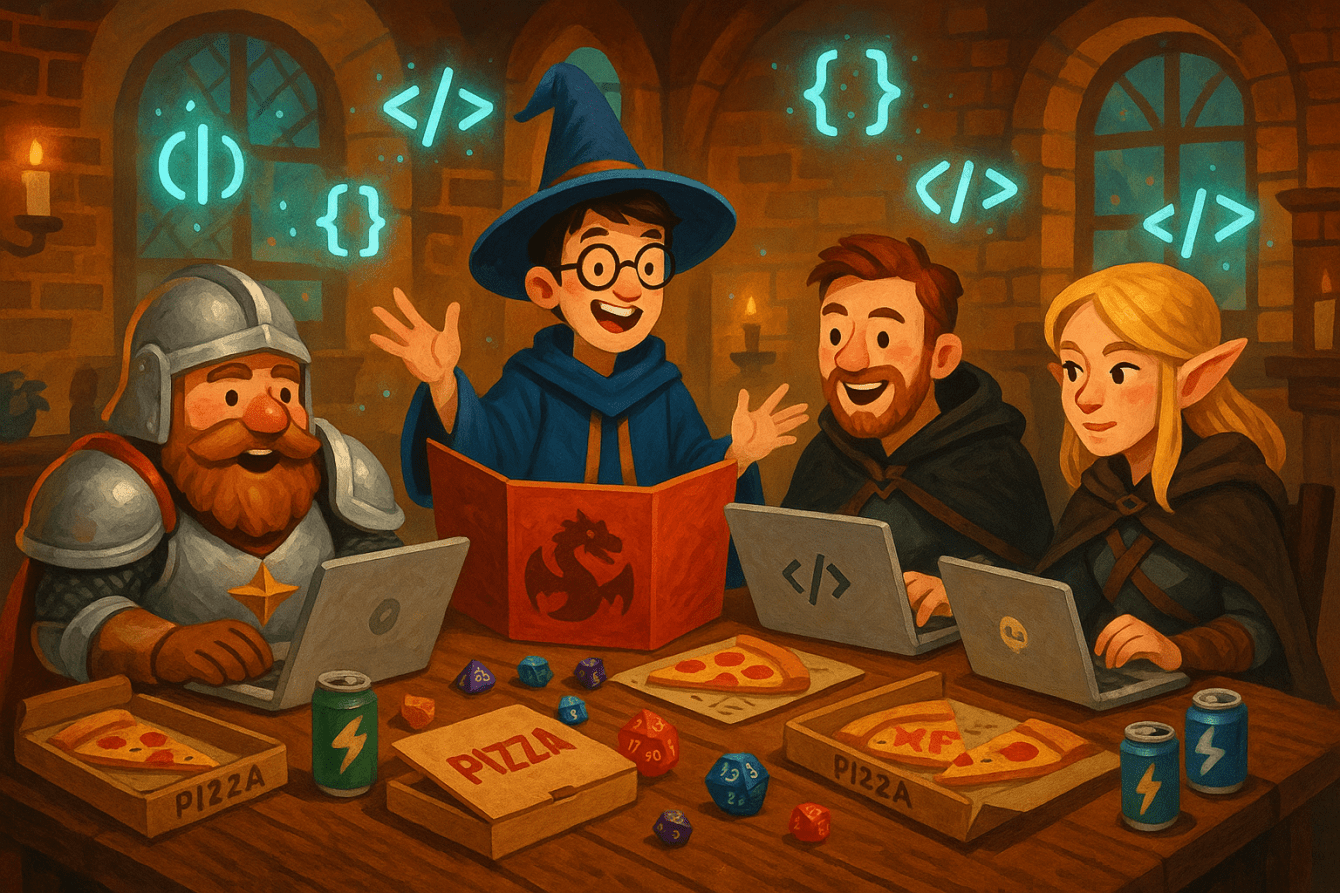
    Picture it: your lead backend developer is now a stoic dwarven paladin. The QA engineer? A mischievous wizard armed with Fireball and a healthy disregard for Jenkins downtime.

    In the realm of D&D, hierarchies crumble faster than a brittle stack overflow. The quietest dev in the room suddenly becomes the party’s silver-tongued negotiator. The project manager might be a bard — both inspirational and occasionally surrounded by mysterious magical chaos.

    The result? Developers rediscover what it means to communicate, adapt, and improvise — skills as crucial in slaying dragons as in squashing bugs.


    Debugging Dragons: Parallels Between Coding and Campaigns

    Let’s be honest. Software development is already a kind of D&D campaign:

    • There’s a mysterious client request written in riddle form.
    • A party of devs embarks on a sprint quest with low mana (read: coffee).
    • The final boss? A deployment at 4:59 pm on a Friday.

    But in D&D, every problem is approached through creative collaboration. You can’t brute-force a dragon with if-statements — you debate, experiment, and think sideways.

    That’s exactly what great engineering teams do when faced with complex systems. They blend logic, imagination, and the occasional natural 20.


    Why It Works: Fellowship, Fails, and Fun

    1. Shared Stories Build Shared Trust: When you’ve watched your UX designer heroically fail a stealth check while trying to sneak past goblins, there’s a bond forged that no corporate icebreaker can replicate.
    2. Safe Space for Failing Forward: In D&D, bad rolls lead to great stories. In development, failed tests lead to innovation. Both demand psychological safety — and both reward resilience.
    3. Creative Problem-Solving Under Chaos: Whether navigating fantasy politics or debugging race conditions, the ability to stay calm and collaborate amidst madness is an art. D&D gives teams a magical crash course.
    4. Fun Beats Forced Interaction: No team ever said, “Wow, that trust fall changed my life.” But they have said, “Remember when we polymorphed the boss into a sheep and escaped on flying mugs of ale?”

    From Campaign to Codebase

    After weeks of shared quests, something magnificent happens. Your dev team starts talking differently — more openly, more imaginatively, more… humanly.

    Daily stand-ups become more like war councils. Design discussions turn into creative brainstorms. The dreaded “Difficult Conversation About Technical Debt” becomes a “Dragon We Shall All Slay.”

    In short, D&D doesn’t just bond your team — it levels them up.


    The Call to Adventure

    So next time your team needs a morale boost, skip the bowling alley or the awkward offsite scavenger hunt. Instead, light some candles, roll some dice, and unleash your collective imagination.

    Because whether in code or campaign, true greatness emerges from collaboration, courage, and critical hits.

    And remember, adventurers: when the next merge conflict arises, just ask yourself — what would your party do?


    Tagline:
    🧙‍♂️ Dungeons & Dragons — where every meeting becomes a quest, every teammate a hero, and every bug fix a triumph worth singing about.